Why XAPK Files Need Extra Installer Android: A Complete Beginner-to-Pro Guide
03-04-2026
Description
If you have ever downloaded a game or app outside the Play Store and wondered why xapk files need extra installer android, you are not alone. Many Android users, especially beginners, get confused when they tap an XAPK file and nothing happens. Unlike a normal APK, an XAPK package often includes extra files that Android cannot install by itself with a single tap.
That is the main reason XAPK files need a separate installer, file manager, or manual setup method. These packages are designed to carry more than just the app installer. They may also include OBB data files, graphics resources, expansion files, or split APK components. Android’s default package installer usually handles only standard APK files smoothly. Once extra assets are bundled inside an XAPK, the installation process becomes more complex.
In this guide, you will learn what XAPK really is, why it needs an extra installer, how it works on Samsung phones, how it compares with APK files, and the safest ways to install it on phones, tablets, and even Android TV. I will also cover beginner tips, common mistakes, a comparison table, pros and cons, and practical FAQs. Whether you are trying to figure out how to open xapk file on android, how to install xapk file in mobile, or how to install xapk on android tv, this article will walk you through everything in a clear and simple way.
What Is an XAPK File?
An XAPK file is a package format used to distribute Android apps that need more than a simple APK. In plain terms, it is like a container that holds:
- The main APK installer
- OBB data files
- Additional resources
- Sometimes split APK files
- App metadata needed during installation
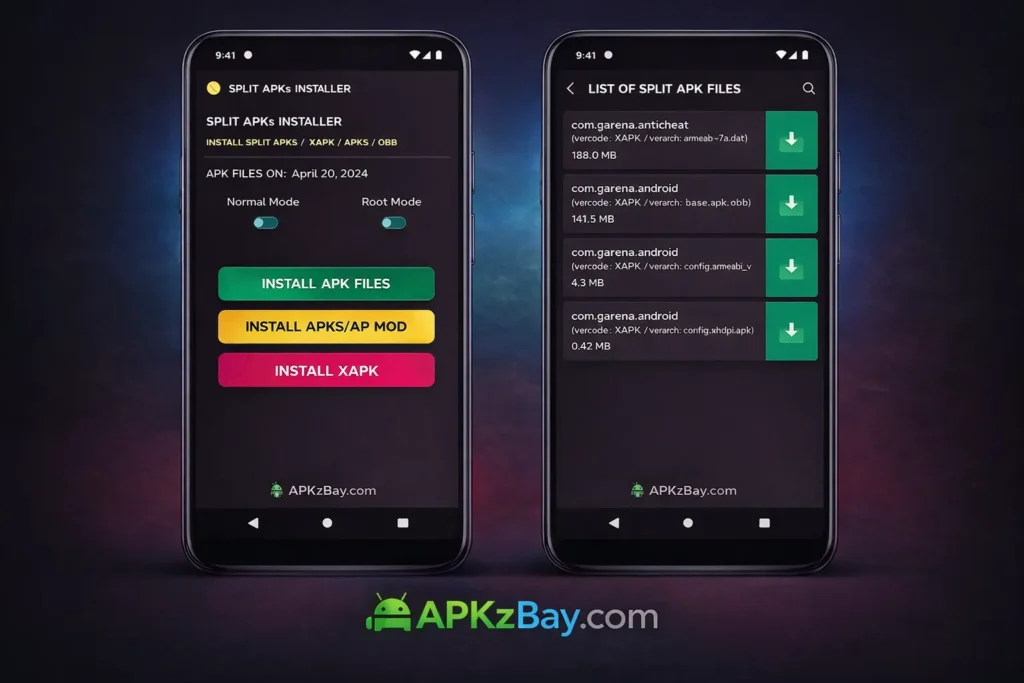
A regular APK is usually enough for smaller apps. But large games and feature-rich apps often need extra files. For example, a racing game may need high-resolution textures, sound packs, maps, or offline content. These files are too large or too structured to fit into a simple one-tap APK installation.
That is where XAPK becomes useful. It bundles everything together so the user downloads a single file instead of separate pieces.
Still, the Android system does not always know how to unpack and place these files correctly on its own. That is exactly why people search for why xapk files need extra installer android and why xapk files need extra installer android apk.
Why XAPK Files Need Extra Installer Android
The simple answer
XAPK files need an extra installer because Android’s built-in installer is mainly designed for APK files, not bundled packages with data folders and multiple components.
The technical reason
An XAPK file is not just an installable app file. It is more like a compressed package. Inside it, you may find:
- One APK file
- One or more OBB folders
- Split APK parts
- Manifest or configuration files
When you tap a normal APK, Android launches the Package Installer and installs the app directly.
When you tap an XAPK, Android often sees it as an archive or unknown file type. It does not automatically:
- Extract the package
- Detect the correct APK
- Move OBB data to
Android/obb - Merge split components
- Validate app structure the same way specialized installers do
That is why an extra installer app, file manager, or manual extraction process is usually required.
Why this matters in real use
Without the extra installer:
- The app may fail to install
- The game may open and crash
- The app may say data files are missing
- You may see parse errors
- Android may simply say “Cannot open file”
So, if you are asking why xapk files need extra installer android, the answer is practical as well as technical: Android needs help managing the extra pieces inside the XAPK package.
Why XAPK Files Need Extra Installer Android Samsung
Samsung users often ask specifically about why xapk files need extra installer android samsung. The reason is mostly the same, but Samsung devices may add a few extra layers.
Samsung-specific factors
1. Different file manager behavior
Samsung phones come with My Files, which is great for general use but may not always recognize XAPK as an install-ready package.
2. Security settings
Samsung devices often have strong security prompts for apps installed from unknown sources. You may need to allow permission for the browser or file manager you used to download the file.
3. One UI restrictions
Samsung’s One UI can handle APK installation well, but XAPK still needs extraction or a dedicated installer because the format is not native to Android’s basic install workflow.
4. Android version differences
On newer Samsung phones, folder access and data placement rules are tighter than before. That can make manual OBB placement harder for casual users.
So, when users search why xapk files need extra installer android samsung, they are usually facing a mix of XAPK format limitations and Samsung’s security and file access behavior.
XAPK vs APK: Why the Difference Matters
Understanding the difference between XAPK and APK helps answer the bigger question.

APK
An APK is the standard Android app package. It usually contains:
- App code
- Manifest
- Basic resources
- Signature details
Android can usually install it with one tap.
XAPK
An XAPK often contains:
- The main APK
- OBB expansion files
- Split APK packages
- Large game assets
- Supporting data
Because it is more complex, Android often needs an extra step to install it properly.
Detailed List: Why XAPK Files Need Extra Installer Android
Here is a detailed list of the real reasons XAPK files usually need extra installation support.
1. XAPK is a bundled package, not a simple installer
A standard APK is already in a format Android expects. XAPK is more like a package that must be unpacked first.
2. It often includes OBB files
Many large games depend on OBB files. These files must be placed in the correct folder manually or through an installer tool.
3. It may include split APKs
Some apps come with multiple APK parts based on device language, CPU architecture, or screen density. XAPK installers can handle this better than Android’s basic installer.
4. Android does not natively prioritize XAPK support
Android was built around APK installation. XAPK is a practical distribution format, but not a default install standard for all devices.
5. Large games need extra resource handling
Games like battle royale titles, open-world games, or heavy simulation apps often use huge resource files that cannot be handled like a normal APK.
6. Manual installation is error-prone
If you unpack an XAPK incorrectly, the app may install but not run. Extra installer apps reduce this risk by automating the folder placement.
7. Some file managers do not recognize XAPK
Even if the file is downloaded correctly, your phone might see it as a compressed archive instead of an install package.
8. Security and permission checks may interrupt setup
Users may need to allow unknown app installation, storage access, or file extraction permissions.
9. Android version restrictions affect data access
Newer Android versions limit how apps access certain folders, especially inside Android/data and Android/obb.
10. Installers simplify the whole process
Instead of extracting, locating files, moving folders, and installing manually, an XAPK installer does all this in a guided flow.
Popular Apps and Games Commonly Shared in XAPK Format
Many users encounter XAPK files while trying to install larger apps or games from trusted alternative sources. Common examples include:
- PUBG Mobile
- Call of Duty: Mobile
- Genshin Impact
- Asphalt 9
- Free Fire Max
- Pokémon Unite
- CarX Street
- eFootball
- Fortnite-related Android packages from alternative distribution methods
- Large modded test builds for educational or development purposes
These apps often rely on extra assets. That is why users trying to install them may run into the issue behind why xapk files need extra installer android.
A good rule is simple: the larger and more complex the app, the more likely it uses bundled resources beyond a basic APK.
How to Open XAPK File on Android
Many users do not actually need a “special” app in every case, but they do need the right process.
Method 1: Use an XAPK installer app
This is the easiest route for beginners.
Steps:
- Download the XAPK file
- Install a trusted XAPK installer or file manager
- Allow installation from unknown sources
- Open the installer app
- Locate the XAPK file
- Tap install
- Let the app extract and place the data files automatically
This is often the best answer for users asking how to open xapk file on android.
Method 2: Rename and extract manually
Because many XAPK files are basically archive packages, you can sometimes:
- Rename the file from
.xapkto.zip - Extract it using a file manager
- Install the APK inside
- Move the OBB folder to the proper location
This method works, but it is less beginner-friendly.
How to Install XAPK Using ZArchiver on Android
A lot of users search for how to install xapk using zarchiver on android because ZArchiver is a popular file management and extraction tool.
Step-by-step guide
Step 1: Download and install ZArchiver
Get ZArchiver from a trusted source.
Step 2: Locate the XAPK file
Open ZArchiver and browse to your Downloads folder or wherever the file is stored.
Step 3: Extract the XAPK
Tap the XAPK file and choose extract.
You will usually see:
- One APK file
- One Android folder containing OBB data
- Sometimes extra config files
Step 4: Install the APK
Tap the APK file and install it.
If Android blocks installation, allow unknown app installs for ZArchiver.
Step 5: Move OBB files if needed
If the extracted package includes an Android/obb folder, copy its contents to the same folder in your internal storage.
Typical path:
Internal Storage/Android/obb/
Step 6: Launch the app
Open the installed app or game. If the OBB files are in the correct folder, it should run properly.
Common ZArchiver mistakes
- Installing the APK without moving OBB data
- Extracting to the wrong folder
- Forgetting to allow unknown sources
- Using an incomplete or corrupted XAPK file
- Copying OBB to
Android/datainstead ofAndroid/obb
For many users, this method is a practical workaround when they do not want a dedicated XAPK installer.
How to Install XAPK File in Mobile
If you want the short version of how to install xapk file in mobile, here are the most reliable methods.
Easiest method
Use a trusted XAPK installer.
Manual method
- Extract the XAPK
- Install the APK
- Move OBB to the correct folder
- Launch the app
Best mobile installation checklist
Before installing, make sure:
- Your phone has enough free storage
- The file comes from a trusted source
- Unknown app installs are allowed
- The file is not corrupted
- You know whether it includes OBB or split APK files
How to Install XAPK on Android TV
Installing apps on TV devices is a bit different, which is why people search how to install xapk on android tv.
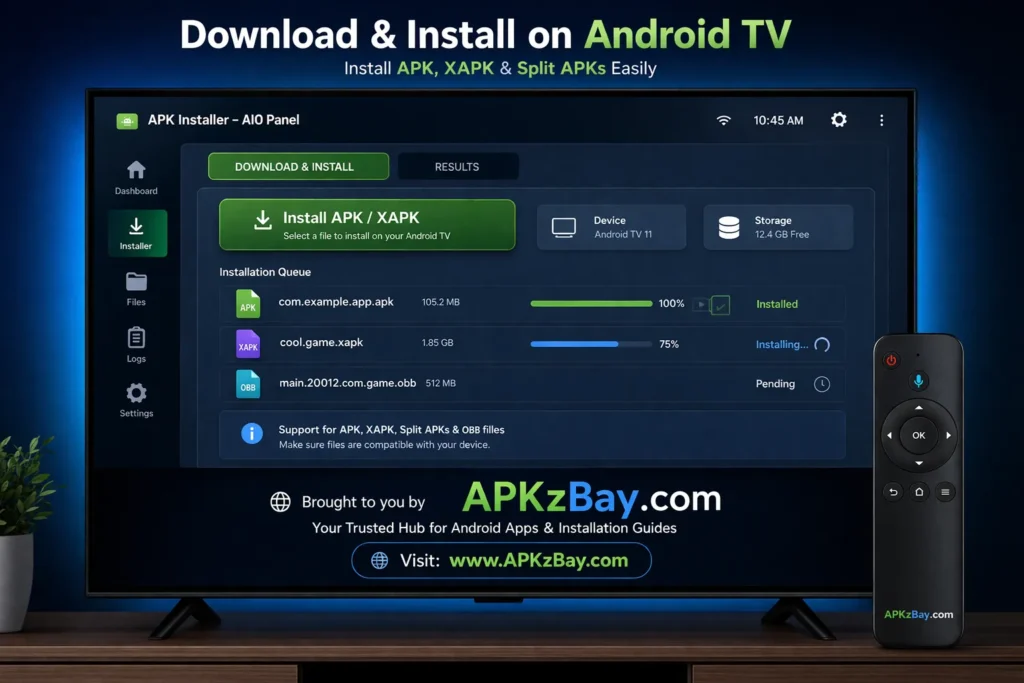
Why Android TV is trickier
Android TV devices often have:
- Limited file manager options
- Limited touch input
- Different storage access behavior
- More sideloading friction
Basic method for Android TV
Option 1: Use a file manager and APK installer
- Transfer the XAPK file to the TV using USB, cloud storage, or network transfer
- Install a file manager on the TV
- Extract the XAPK if supported
- Install the APK inside
- Move OBB files if required
Option 2: Use a send-to-TV app
- Send the XAPK from your phone to the TV
- Open it with a compatible file manager
- Extract and install manually
Option 3: Use split/XAPK installer tools designed for TV
Some sideloading tools work better with Android TV environments.
Important TV tip
Not every mobile app is optimized for Android TV. Even if installation works, navigation may be poor without a mouse toggle or remote-friendly design.
Beginner Tips for Installing XAPK Safely
If you are new to Android app sideloading, start with these basics.
1. Download only from trusted websites
Avoid random sites that repack apps with malware or adware. Start with reputable sources and always verify what you are downloading.
For more safety advice, read this guide on trusted APK sites for Android safety.
2. Watch for fake clones
Some fake app packages use popular game names but contain harmful or misleading files.
Learn how to identify them in this article about fake app clone warning signs on Android.
3. Check file size and version
A strangely small file size for a large game is a warning sign. It may be incomplete or fake.
4. Keep enough storage free
Large XAPK packages need space for:
- The downloaded file
- The extracted files
- The final installed app
- Temporary installation cache
5. Use antivirus scanning when possible
A quick scan can add another layer of safety.
6. Understand split package formats too
Some apps use split APK systems instead of classic XAPK packaging. If you run into that situation, this guide on how to install split APK on Android without PC is helpful.
7. Prefer official sources whenever available
If the app exists on Google Play or the official developer site, that is usually the safest route.
Comparison Table: APK vs XAPK vs Split APK
| Feature | APK | XAPK | Split APK |
|---|---|---|---|
| Basic Android support | Excellent | Limited | Limited |
| One-tap install | Usually yes | Usually no | Usually no |
| Includes OBB/data files | No | Yes | Sometimes separate |
| Best for small apps | Yes | No | No |
| Best for large games | Limited | Yes | Yes |
| Needs extra installer | Rarely | Often | Often |
| Easy for beginners | Yes | Moderate | Moderate to hard |
| Risk of wrong manual setup | Low | Medium to high | Medium |
| Common use case | Standard apps | Large games and apps | Modular app delivery |
This table shows clearly why why xapk files need extra installer android is such a common question. XAPK is useful, but it is not as simple as APK.
Tips for Choosing the Best Way to Install XAPK
Choose an installer app if:
- You are a beginner
- You do not want to manage folders manually
- The app includes OBB or split files
- You want the fastest setup
Choose ZArchiver or manual extraction if:
- You understand Android folder structures
- You want more control
- Your installer app is not working
- You need to inspect package contents before installing
Choose official app stores if:
- The app is available there
- You want maximum safety and automatic updates
- You do not want to deal with permissions and manual setup
Choose TV-specific methods if:
- You are installing on Android TV
- The app supports remote navigation
- You can transfer files easily between devices
Pros and Cons of XAPK Files
Pros
1. Convenient packaging for large apps
Instead of downloading APK and OBB separately, users get one package.
2. Better for games with rich assets
Large resource files are easier to distribute in a bundled format.
3. Useful for older or alternative distribution channels
Developers, testers, and advanced users may prefer bundled installs.
4. Can simplify downloads from third-party sources
One file is easier to track than multiple separate pieces.
5. Helps preserve correct file pairing
The app and its required data arrive together.
Cons
1. Not natively as simple as APK
This is the biggest drawback.
2. Needs extra installer or manual steps
That adds friction for beginners.
3. Greater chance of user error
Wrong folder placement can break installation.
4. More security risk if downloaded from unsafe sites
Third-party downloads always need caution.
5. Updates are not always automatic
Unlike Play Store apps, sideloaded XAPK apps may require manual updates.
Common Problems During XAPK Installation
“App not installed”
Possible causes:
- Incompatible Android version
- Corrupted file
- Split package mismatch
- Existing conflicting app signature
“Parse error”
Possible causes:
- Damaged package
- Incomplete download
- Unsupported architecture
- Wrong extraction process
“OBB not found”
Possible causes:
- OBB file placed in wrong folder
- App package name does not match folder name
- Android storage restrictions prevented copying
“Cannot open file”
Possible causes:
- No XAPK-compatible installer
- File manager does not support the format
- File extension not recognized
Best Practices for AdSense-Friendly and Safe Android Sideloading Content
If you run a tech blog, it is important to present XAPK installation as an educational and safety-focused topic. That means:
- Encourage legal downloads
- Avoid promoting pirated apps
- Recommend official sources first
- Warn users about malware
- Promote trusted file verification
- Focus on installation education, not bypassing paid access
This style is more useful for readers and more aligned with a quality blog that aims for long-term trust.
Helpful Resources and Community Links
If your audience wants updates, tutorials, and community content, these channels can be included naturally in your blog ecosystem:
- APKzBay YouTube Channel
- APKzBay on Instagram
- APKzBay on Pinterest
- APKzBay on Facebook
- APKzBay on Telegram
- APKzBay on X
- APKzBay WhatsApp Channel
These work best when presented as optional follow resources rather than forced promotional links.
FAQs
1. Why xapk files need extra installer android?
Because XAPK files usually contain more than a simple APK. They may include OBB data, split APK parts, or extra resources that Android’s built-in installer does not automatically unpack and place correctly.
2. Why xapk files need extra installer android apk if APK does not?
A normal APK is already a direct install package. XAPK is more like a container that wraps the APK plus additional data. That extra structure is why the installation process needs another tool or manual extraction.
3. Why xapk files need extra installer android samsung phones specifically?
Samsung phones still rely on Android’s standard package installation logic, but security settings, My Files behavior, and newer storage restrictions can make XAPK setup feel more complicated than standard APK installation.
4. How to open xapk file on android without a special installer?
You can rename the file to ZIP in some cases, extract it with a file manager like ZArchiver, install the APK inside, and then copy any OBB folder to the correct directory. This works, but it is more advanced.
5. How to install xapk using zarchiver on android?
Open the XAPK in ZArchiver, extract it, install the APK file, and move the OBB content to Internal Storage/Android/obb/ if required. Then launch the app.
6. How to install xapk file in mobile safely?
Use a trusted source, scan the file if possible, allow unknown app installs only when needed, and prefer a reputable installer app or manual extraction with a well-known file manager.
7. How to install xapk on android tv?
Transfer the file to the TV, use a compatible file manager or installer, extract the package, install the APK, and copy any required data files. Keep in mind that not every mobile app works well on TV screens or remote controls.
Conclusion
So, why xapk files need extra installer android? The answer is simple once you understand the format. XAPK files are not just app installers. They are bundled packages that often include APK files plus OBB data, extra assets, or split installation components. Since Android’s default installer is built mainly for standard APK files, it usually cannot handle all those extra parts automatically.
That is why users often need an XAPK installer, a file manager such as ZArchiver, or a manual extraction method. The same logic applies whether you are using a regular Android phone, a Samsung device, or Android TV. The bigger and more resource-heavy the app, the more likely it is to come in a format that needs extra handling.
For beginners, the safest approach is to use trusted sources, understand what you are installing, and follow a clear step-by-step method. For advanced users, manual extraction gives more control, but it also increases the chance of mistakes. Either way, once you know how XAPK works, the process becomes much less confusing.
Recent Posts
- How to Access Android Data Folder with Shizuku: Complete No-Root Guide

- How to Install APK on Amazon Fire Tablet Safely and Easily
- Install Unknown Apps Not Showing for Browser Fix Android: A Complete Beginner-Friendly Guide
- Why XAPK Files Need Extra Installer Android: A Complete Beginner-to-Pro Guide
- Trusted APK Sites for Android Safety Guide: How to Download APKs Without Putting Your Phone at Risk
- Fake App Clone Warning Signs on Android: How to Spot Unsafe Apps Before You Install Them
- How to Install Split APK on Android Without PC
- How to Disable Battery Optimization in Android Setting: A Complete Beginner-to-Pro Guide
- App Not Installed Package Conflicts With Existing Package: Meaning, Causes, and Proven Fixes
- How to Speed Up Android Phone Without Factory Reset: 17 Smart Fixes That Actually Work
- SPG4X FF Panel APK Latest Version – Features, Download Guide, Update Info, and Honest Review
- There Is a Problem Parsing the Package Android APK: Complete Fix Guide for Samsung, Huawei, Android 12, and Android 14